OBD-II vs CAN Bus J1939 Telematics: How to Get Engine Data From Any Fleet
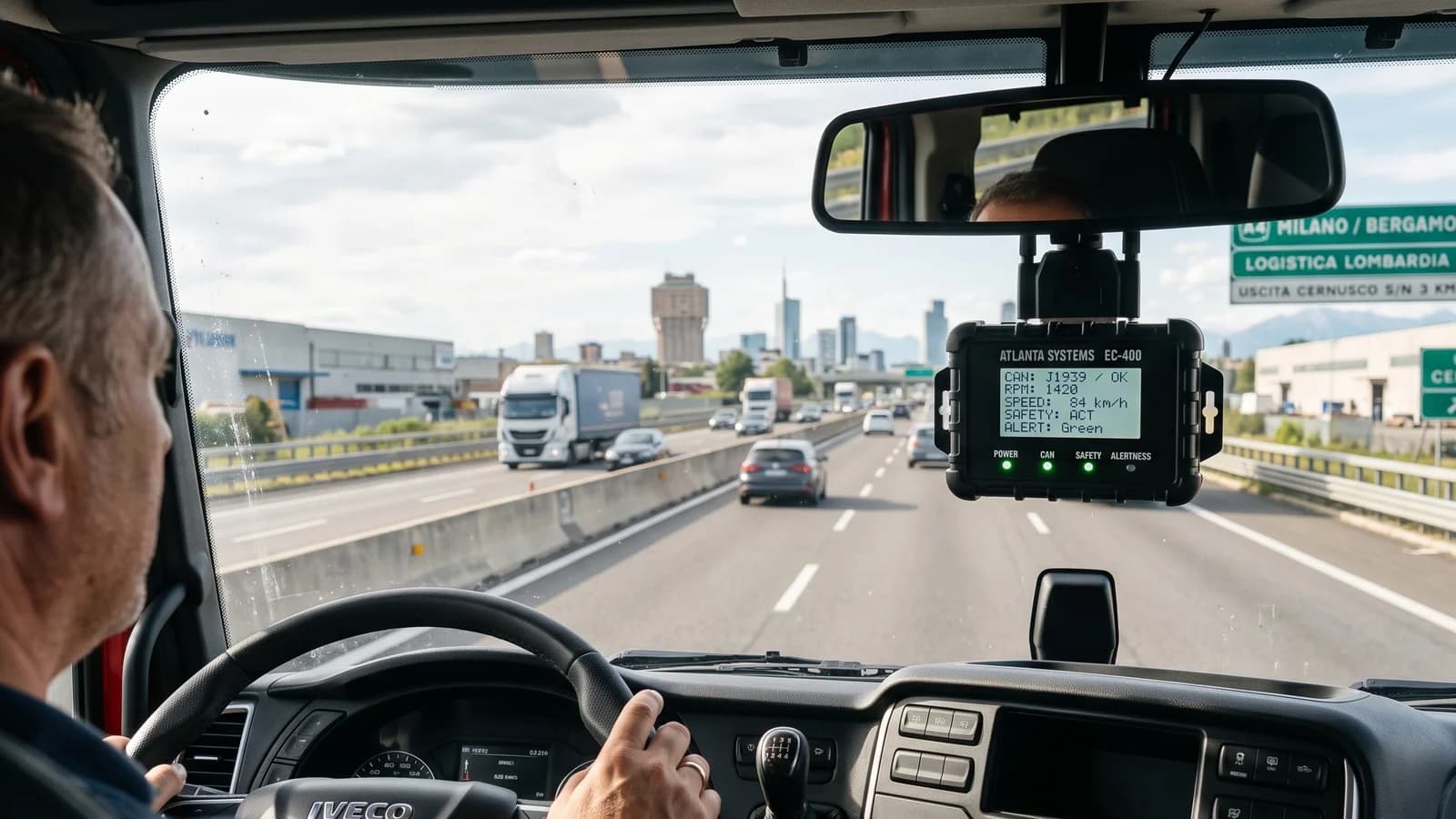
Table of Contents
GPS tells you where a vehicle is. Engine data tells you how it is being used: fuel consumed, engine hours, RPM, coolant temperature and fault codes. That data is behind fuel savings and predictive maintenance. To get it, you need a device that speaks your vehicles’ protocol. OBD-II and J1939 in one minute
| OBD-II | SAE J1939 | |
|---|---|---|
| Vehicles | Cars, vans, light commercial vehicles | Heavy trucks, buses, construction and agricultural machines |
| Connector | 16-pin OBD port under the dashboard | 9-pin Deutsch diagnostic connector or direct CAN wiring |
| Data | Speed, RPM, fuel level (some vehicles), fault codes (DTCs), odometer (some vehicles) | Fuel used, fuel rate, engine hours, RPM, torque, coolant temperature, DTCs and more |
| Installation | Plug and play | Usually hardwired or via adapter cable |
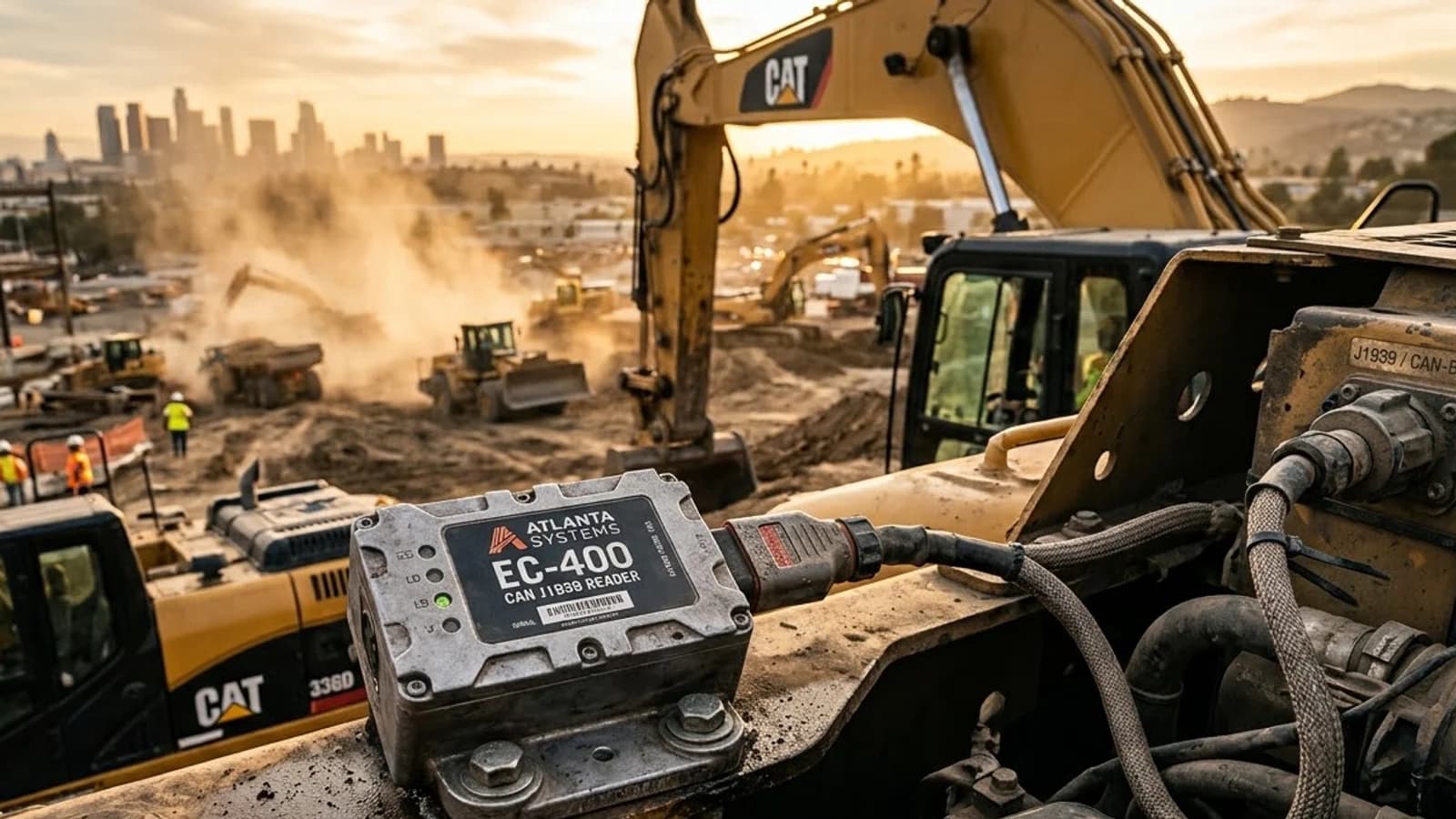
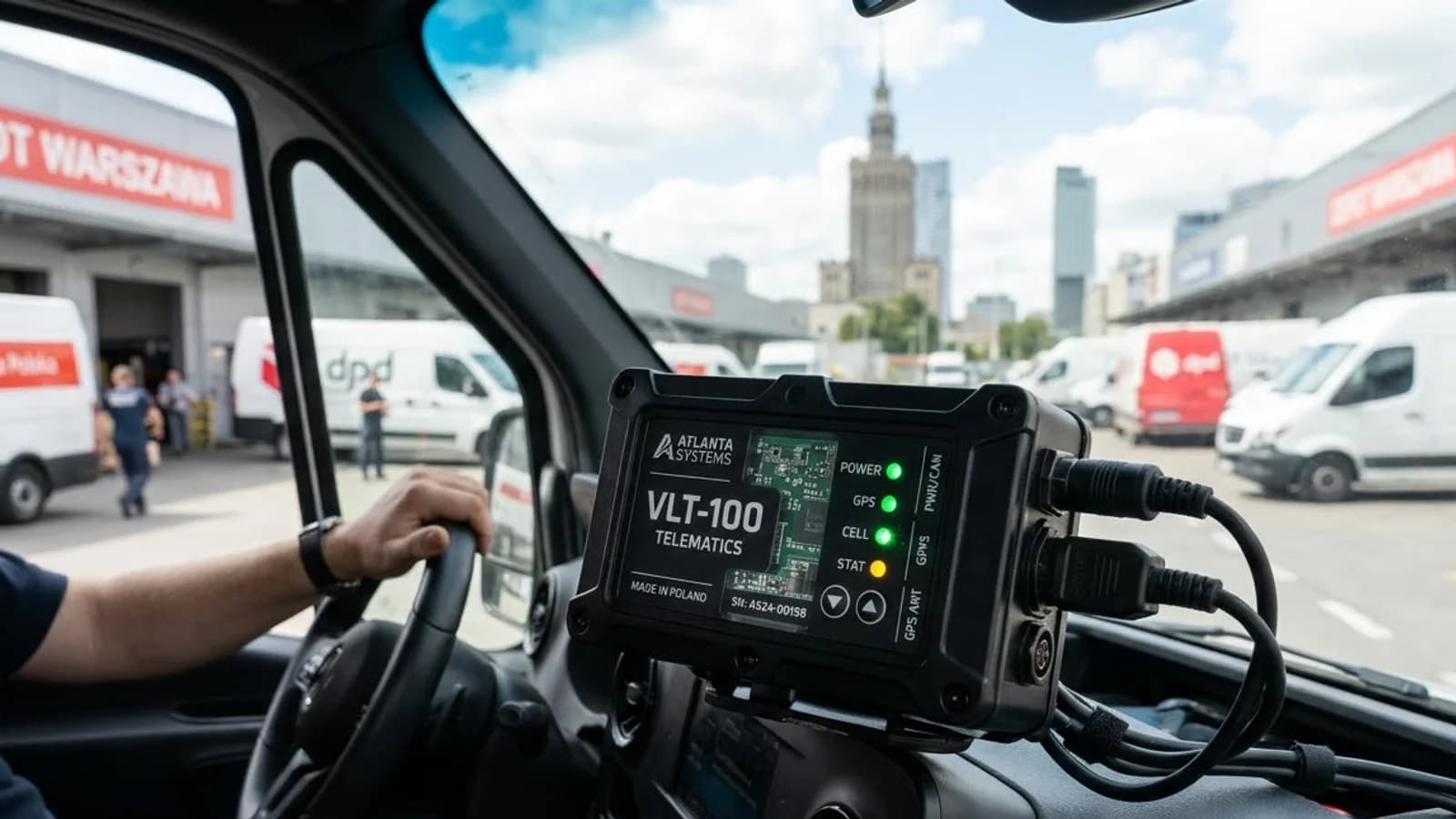
Rule of thumb: if the vehicle is under about 3.5 tonnes, start with OBD-II. If it’s a heavy truck, bus or machine, use J1939. Option 1: Plug-and-play OBD tracker (OBD-400) The OBD-400 plugs directly into the OBD port. It has 4G LTE Cat-1, GPS, GLONASS and BeiDou, works with all standard OBD protocols, and installs in under a minute without tools. Best for: sales and service fleets, rentals, leasing and light-duty mixed fleets where speed of installation matters more than tamper resistance. Things to know: OBD devices can be unplugged by drivers. Use unplug alerts and choose a hardwired device for high-risk vehicles. Option 2: J1939 and OBD logging device (ELD) Atlanta’s ELD device reads legislated OBD-II protocols (ISO 15765-4, ISO 14230-4, ISO 9141-2, SAE J1850) as well as SAE J1939 and raw CAN (ISO 11898). It also keeps records of duty status (RODS) and hours of service (HOS) for US-style compliance. Best for: mixed fleets with light and heavy vehicles, and trucking fleets that need engine data plus driver logs. Option 3: Hardwired tracker with CAN port (ATL-440) or gateway (GWC-100) For heavy vehicles where tamper resistance is critical, a hardwired tracker with a CAN port, such as the ATL-440, reads engine data and offers more inputs and outputs. The GWC-100 gateway supports CAN FD and all CAN protocol standards, along with BLE and Wi-Fi sensors.
What can you do with engine data?
Cut fuel costs: spot idling, over-revving and harsh driving
Plan maintenance by real engine hours instead of calendar dates
Catch faults early: read diagnostic trouble codes (DTCs) remotely (see predictive maintenance)
Check fuel claims: compare fuel used (from the ECU) with fuel purchased
Choosing checklist
List your vehicle types, makes and model years.
Check which protocol each vehicle uses. Ask us if you’re unsure.
Decide between plug-and-play and hardwired, based on tamper risk.
Check which data points your software platform can display.
Pilot on 5–10 vehicles of each type before rolling out.
Frequently Asked Questions (FAQs)
Does every vehicle report fuel level over OBD-II? No. Many light vehicles don’t share fuel level on OBD. For accurate fuel data, add a fuel level sensor.
Can one device read both OBD-II and J1939? Yes. The Atlanta ELD device supports both legislated OBD-II and J1939 protocols.
Will an OBD tracker drain the battery? A well-designed device uses very little power in sleep mode. The OBD-400 draws less than 25 mA when the vehicle is off.
Is reading CAN data safe for the vehicle? Yes. Telematics devices read data passively and do not write to the vehicle’s ECU.
Next step: see the OBD-400 and ELD devices, or ask our engineers which protocol your fleet uses.
Related reading: Predictive maintenance with fault codes · ELD and HOS compliance
Founder of Atlanta Systems Pvt. Ltd. with 32+ years of embedded hardware and SMT engineering leadership, pioneering indigenous AIS-140 GPS trackers and automotive telematics across 27+ countries.